
Both editions keep their settings in one WordPress option, gmtx_settings, on the report screen itself. Changes take effect the next time you press Show.
Summary
| Setting | Key | Default | Free edition | Full edition |
|---|---|---|---|---|
| Break countries down by state or province | states |
Off (no) |
Yes | Yes |
| Order statuses that count as a sale | statuses |
processing, completed |
Fixed at the default | Yes |
| Report a sale under | place |
Where the goods went (shipping) |
Fixed at the default | Yes |
| Show the breakdown by tax rate | by_rate |
On (yes) |
— (no per-rate table) | Yes |
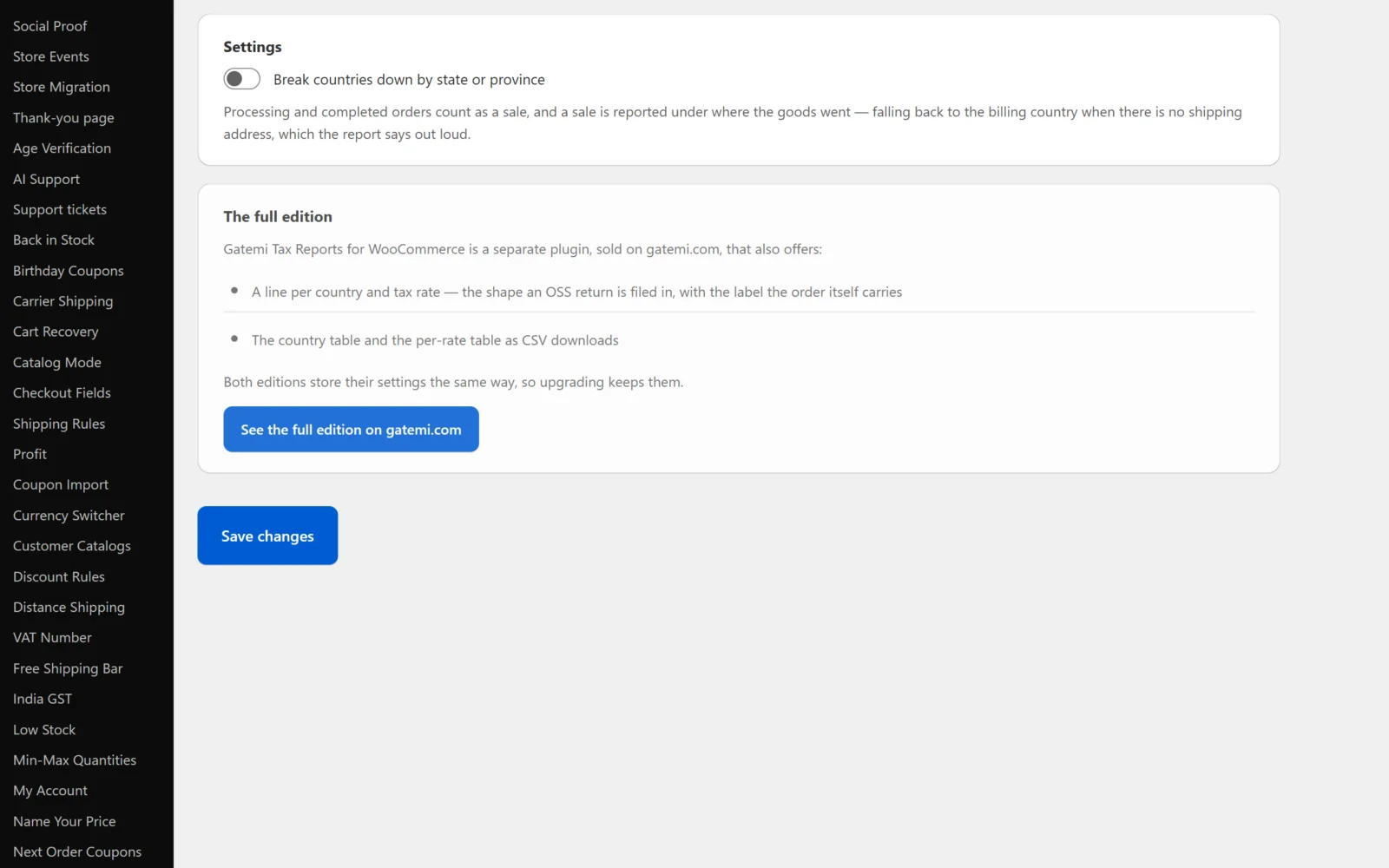
The date range is not a setting: it is chosen on the screen each time and defaults to the first of the current month through today.
Break countries down by state or province
Both editions. Default: off.
When on, the country table has a State column and a row for each country–state pair rather than each country. The state is the one on the address the order is reported under (shipping, or billing on the fallback).
- WooCommerce stores many states as codes —
CAfor California,Dfor Dublin — and those appear as codes. - Where the customer typed the state (the UK's counties, for example), it is shown as typed, upper-cased with extra spaces removed, up to 64 characters. So "West Yorkshire" and "west yorkshire" are one row,
WEST YORKSHIRE. - An order with no state is a row with the state empty.
The setting does not change the period totals or the per-rate table.
Order statuses that count as a sale
Full edition. Default: processing, completed.
A comma-separated list of WooCommerce order status slugs. Only orders in one of these statuses are read. A wc- prefix is accepted and stripped, so wc-completed and completed are the same. Left empty, it falls back to processing and completed.
You might add a custom status your shop uses for paid-and-shipped orders, or remove processing if you only count an order once it is completed.
Free edition: processing and completed orders always count. A fully refunded order (status Refunded) or a cancelled one is therefore not read by either edition unless you add that status in the full edition.
Report a sale under
Full edition. Default: Where the goods went.
- Where the goods went (
shipping) — the order's shipping country and state. When an order has no shipping country, its billing country and state are used instead, and the report counts how many orders that happened to. - The billing address (
billing) — every order is reported under its billing country and state. No fallback is counted, because none happens.
As the screen puts it: goods are usually reported where they were delivered; digital services where the customer is, which for most shops is the billing address.
Free edition: always "Where the goods went", with the billing fallback.
Show the breakdown by tax rate
Full edition. Default: on.
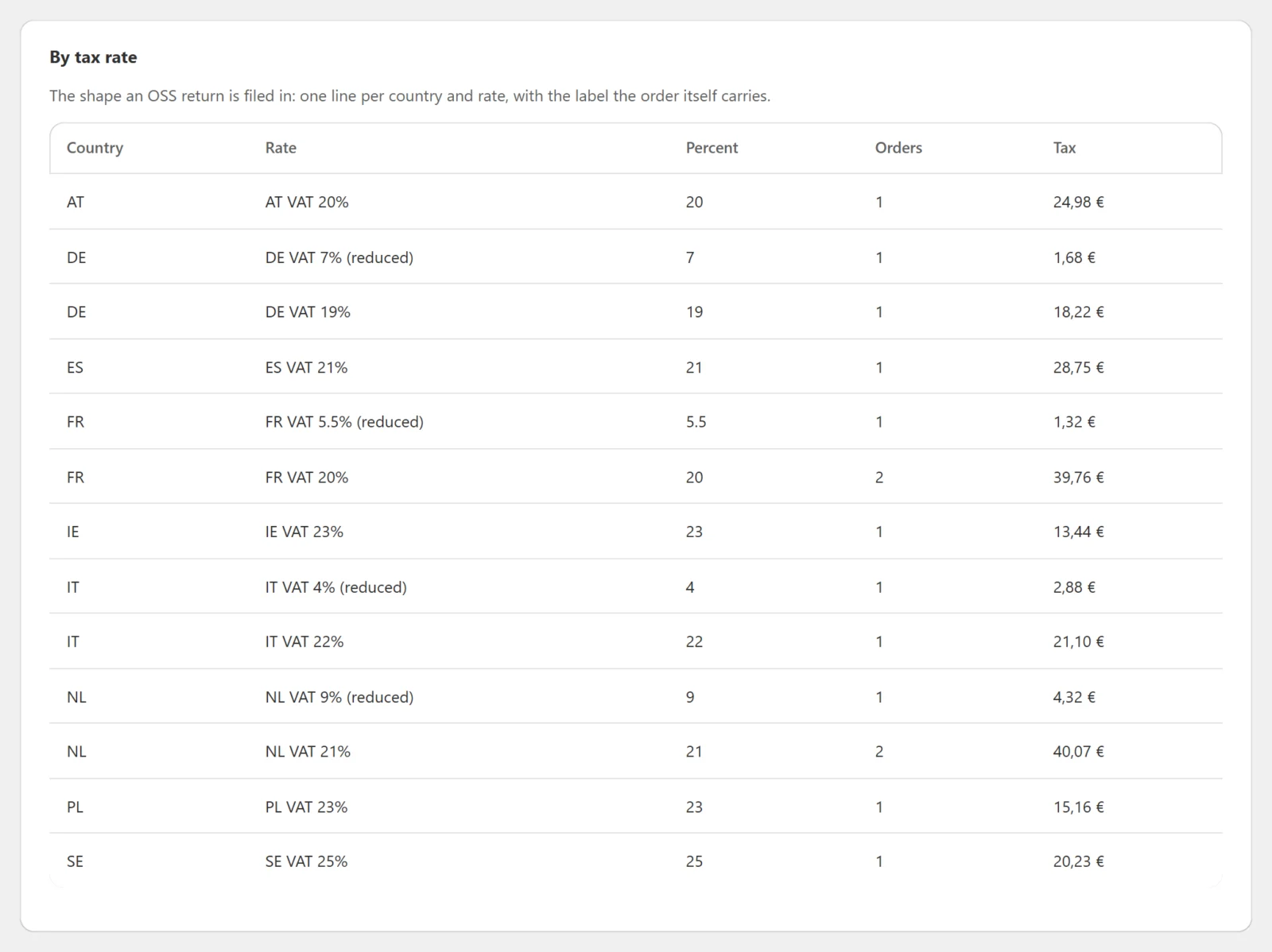
Shows the By tax rate table under the country table. Switching it off hides the table and skips reading tax lines; the period and country figures do not change.
The free edition has no per-rate table.
Licence key — Full edition
Under License & updates on the same screen. Entering a key bought on gatemi.com and pressing Activate turns on one-click updates. The key is stored in its own option, gmtx_license, not in gmtx_settings. Without a key the plugin makes no outside request at all; the report itself never needs one.
Moving between editions
Both editions read and write the same gmtx_settings option.
- Free → full: the full edition reads your state-breakdown choice as you left it.
- Full → free: the free edition reads only
states. It keeps the full edition's other keys in the option untouched when you save, so going back to the full edition restores them — but it does not act on them: the free edition always counts processing and completed orders and always reports under where the goods went.
Uninstalling
- Free edition: deleting it removes
gmtx_settingsonly if the full edition has never been licensed on the site (nogmtx_licenseoption). Nothing else exists to remove. - Full edition: deleting it removes
gmtx_settings,gmtx_license, its cached update information and its scheduled licence check.
Neither touches an order.