
Most of what this plugin does is set on the product itself. The screen under WooCommerce → Product Tabs (capability manage_woocommerce) holds the full edition's four display switches.
Free edition
The free edition has no settings screen form. Its WooCommerce → Product Tabs screen explains where tabs are written and describes the full edition. There is nothing to save there.
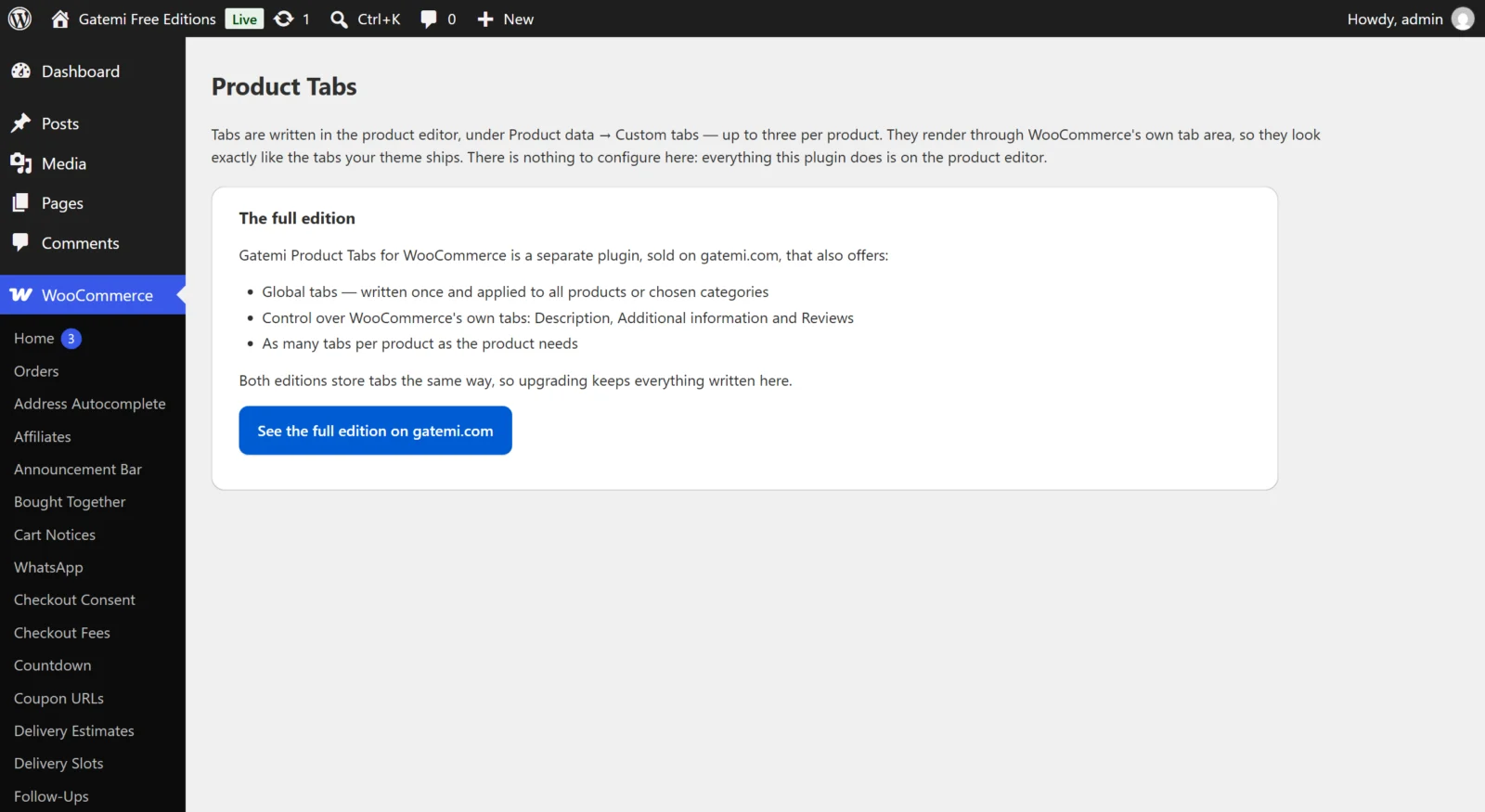
Per product: Custom tabs
Products → Edit → Product data → Custom tabs shows three fixed rows:
| Field | What it does |
|---|---|
| Tab 1 title … Tab 3 title | The tab's label. A row without a title is skipped. |
| Tab 1 content … Tab 3 content | The tab's content. HTML and shortcodes allowed. |
Stored on the product in the post meta _gmpt_tabs. Rows the full edition wrote beyond the third are kept untouched when you save here.
Full edition
Per product: Custom tabs — Full edition
The same Custom tabs section, with Add tab so a product can have as many as it needs. Each row has Tab title and Tab content. Tabs appear after WooCommerce's standard tabs, in the order of the rows. Same meta key, _gmpt_tabs.
Global Product Tabs — Full edition
A tab written once and shown on many products. Found under Products → Global Product Tabs. Each one is a private post of type gmpt_tab with a title and content (the WordPress editor), and a Where this tab appears box:
| Field | Meta key | Default | What it does |
|---|---|---|---|
| All products | _gmpt_all_products |
ticked (yes) on a new tab |
Shows the tab on every product |
| Or only these categories | _gmpt_categories |
none | With All products unticked, shows the tab on products in any of these categories |
| Sort offset (higher sorts later) | _gmpt_priority |
0 (0–100) | Orders global tabs among themselves |
Only published global tabs are shown. A draft is a tab you are still writing. A chosen category covers its sub-categories at any depth, so a product filed only under Shirts › Linen gets a tab aimed at Shirts.
Display — Full edition
On WooCommerce → Product Tabs, stored in the option gmpt_settings:
Show custom tabs on product pages
- Key:
enabled· Default: on (yes) - Off: no per-product or global custom tab is shown. Nothing is deleted.
WooCommerce's own tabs — Full edition
Show the Description tab
- Key:
core_description· Default: on
Show the Additional information tab
- Key:
core_additional· Default: on
Show the Reviews tab
- Key:
core_reviews· Default: on - Turning this off removes the Reviews tab from product pages. It does not switch reviews off in WooCommerce; for that, use WooCommerce → Settings → Products → Enable product reviews.
These three apply even while Show custom tabs on product pages is off: hiding a core tab is a standing decision about the page, not part of the custom tabs.
WooCommerce itself only shows Additional information when a product has weight, dimensions or visible attributes, and Reviews when reviews are enabled. Turning a switch on cannot make a tab appear that WooCommerce would not show.
For developers — Full edition
The screen lists the filters behind the settings. See the developer reference.
License & updates — Full edition
Enter the key from your gatemi.com account and press Activate. The card shows the status (Active, Expired, Revoked), how many of your sites are in use, and a Deactivate on this site button. Stored in gmpt_license. Without a key the plugin makes no external requests.
Moving between editions
Both editions read and write the same _gmpt_tabs meta, so upgrading keeps every tab you wrote. Going back to the free edition shows the first three tabs of each product and keeps the rest stored. Global tabs and the display switches belong to the full edition and are not read by the free one.