
The importer has very few settings, on purpose. Almost everything an import does is decided by the file itself: which columns it carries, and what is in them. The settings only decide how a run behaves.
Both editions keep their settings in the same WordPress option, gmoi_settings, in the same shape. Upgrading from the free edition to the full edition keeps them as they are.
The settings are in the Settings card on the import screen:
- Free edition: WooCommerce → Coupon Import.
- Full edition: WooCommerce → Import.
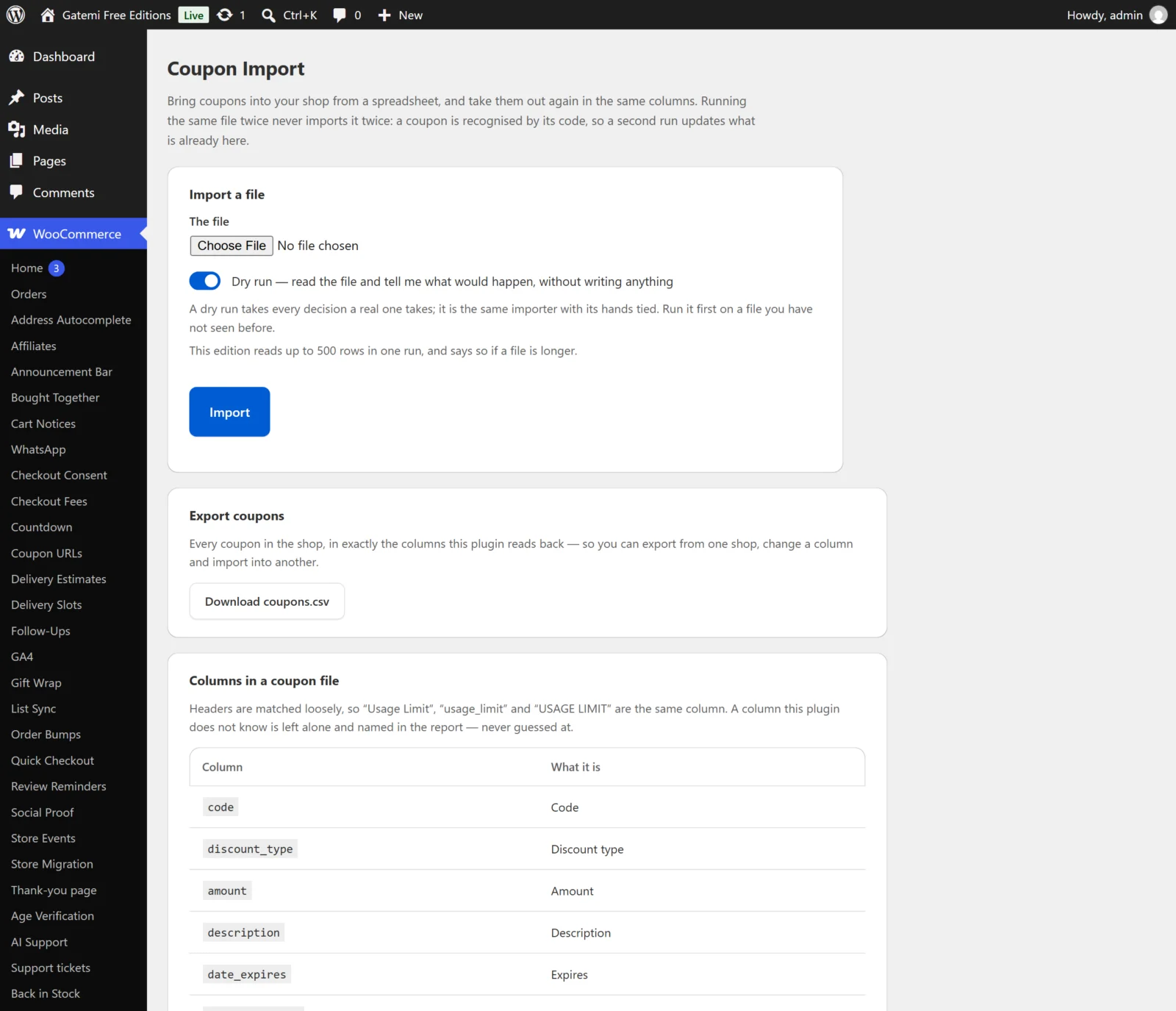
Press Save changes at the bottom of the card to store them.
The import form
These are not stored settings. They are chosen each time you run an import.
What is in it — Full edition
- Choices: Orders (
orders) or Coupons (coupons). The list opens on Orders. - Tells the full edition which importer reads the file. The free edition imports coupons only, so it has no such choice.
The file
- A CSV file from your computer. The importer reads it from the place PHP put it for the length of the request. It is never moved into your
uploadsfolder and nothing is kept afterwards — a file of customers' names and addresses has no business sitting under a public address.
Dry run
- Default: ticked, while Tick "dry run" by default is on.
- Reads the whole file and takes every decision a real run would take, then writes nothing. See How it works.
Settings
How many rows one run may read — Full edition
- Key:
batch· Default:5000 - A number from 1 to 100,000. Saved clamped to that range.
- A run stops after reading this many rows. Split a longer file and run each part — because a run is idempotent, running the parts in any order, or running one twice, does not create anything twice.
- Why a limit at all: a run that hits your server's time limit halfway through stops wherever PHP happened to be. Stopping at a number you chose is a predictable place to stop.
- For orders, every row counts — an order with three products is three rows.
Free edition: the free edition reads at most 500 rows in one run. That is a fixed number of its own, shown on its screen. It does not read the batch key; it writes the stored value back unchanged when you save, so the full edition finds its own number where it left it.
When a run stops at the limit with rows still in the file, the report says so at the top and names the first line that was not read. A file of exactly the limit is not reported as cut short.
Tick "dry run" by default
- Key:
dry_first· Default: on (yes) - Whether the Dry run box on the import form starts ticked. You can always tick or untick it for one run.
- Leaving it on means a file you press Import on by habit is checked before it is written.
Let an import update coupons (records) that already exist
- Key:
allow_update· Default: on (yes) - The free edition calls it Let an import update coupons that already exist; the full edition Let an import update records that already exist, because it covers orders too.
- On: a row whose coupon code (or, in the full edition, order reference) is already in the shop updates that coupon or order.
- Off: such a row is skipped, and the report names it: "The coupon "spring10" already exists and updates are switched off." Nothing already in the shop is changed.
- Either way a record is never created twice. This setting only decides whether the second run may change what the first run created.
License & updates — Full edition
The licence card sits below the settings.
- Paste the key from your gatemi.com account (it looks like
GM-XXXXX-XXXXX-XXXXX-XXXXX-XXXXX). - Press Activate.
The card then shows the status — Active, Expired — renew for updates, Revoked, Not recognised — and the key with most of it masked. The licence state is kept in its own option, gmoi_license. A failed connection to gatemi.com never changes the status; only a definite answer from the server does. Without a key the importer works the same and makes no requests to gatemi.com.
For developers — Full edition
A table at the bottom of the screen lists the filters the plugin applies. They are documented in the Developer reference.
What is not a setting
There is deliberately no setting for:
- Which columns to import. A column the file does not carry is not touched. Leave a column out to leave that field alone. The one exception is an order's product lines, which an update always replaces — see How it works.
- How to map your headers. Headers are matched loosely by name; see CSV import.
- Recalculating totals. The full edition never recalculates an imported order's totals. See How it works.