
The one rule: WooCommerce's own tab area
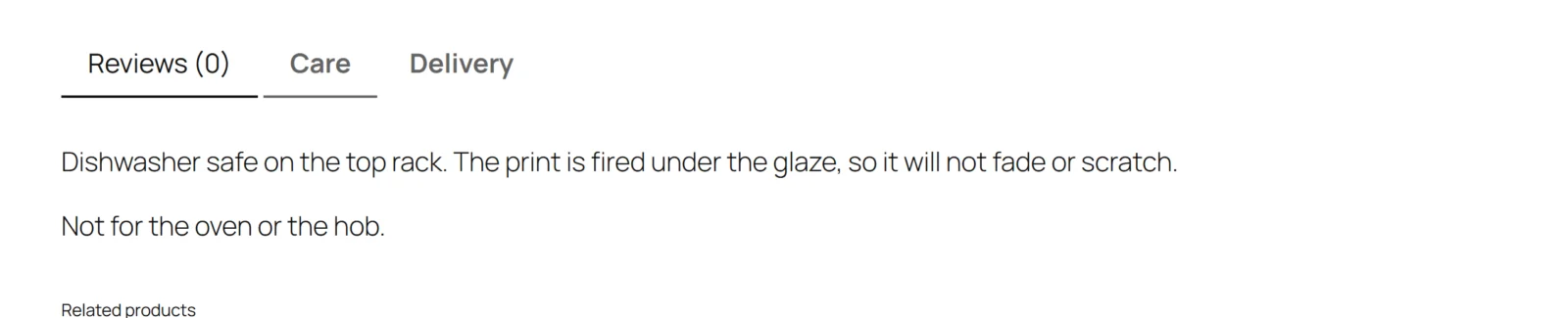
A WooCommerce product page builds its tabs from a list — Description, Additional information, Reviews — passed through the woocommerce_product_tabs filter. Your theme renders that list. Other plugins add to it.
Gatemi Product Tabs adds its tabs to that same list and does nothing else. It has no template of its own, no stylesheet and no script on the storefront. That is why:
- a custom tab looks exactly like the tabs your theme ships, with no CSS to fight;
- the theme's own tab switching (and its "active tab" logic) keeps working;
- tabs other plugins add are left alone.
What happens on a product page
- WooCommerce asks for the product's tabs.
- The plugin reads the product's own tabs from the
_gmpt_tabsmeta. - Free edition: it takes the first three that have a title. Full edition: it takes all of them.
- It adds each one to the list. The first custom tab gets position 40, the next 45, and so on — after WooCommerce's own tabs (10, 20 and 30), in the order you wrote them.
- Full edition: it then adds every published global tab that applies to the product (see below), after the product's own tabs.
- Full edition: it removes any of WooCommerce's three tabs you switched off.
- The theme renders the list.
When a tab is opened, its content is rendered: shortcodes are expanded, line breaks become paragraphs, and the result is filtered again.
Content is filtered twice
Tab content may contain HTML — a size chart is usually a table — so it is run through WordPress' post sanitizer, wp_kses_post(), when it is saved and again when it is shown. The second pass matters because tab content does not only arrive through the product editor: an import, a migration or another plugin can write the meta directly. Whatever got into the database, a tab can never carry a script.
Shortcodes in the content are run when the tab renders, so a contact form or a gallery shortcode works inside a tab.
Full edition: global tabs
A global tab is written once under Products → Global Product Tabs and appears on every product it applies to.
A global tab applies to a product when:
- it is published, and
- All products is ticked, or the product is filed under at least one of the categories chosen under Or only these categories, or under a sub-category of one at any depth.
Global tabs follow the product's own tabs. Among themselves they are ordered by Sort offset: the offset is added to the position after the last product tab, so a tab with offset 10 sorts after one with offset 0.
Worked example
A clothing shop writes:
- a global tab "Delivery and returns", All products, offset 0;
- a global tab "Size guide", categories Shirts and Trousers, offset 5;
- on one shirt, its own tab "Fabric".
That shirt's page shows: Description, Additional information, Reviews, Fabric (40), Delivery and returns (45), Size guide (50). A mug in Kitchen shows only Delivery and returns.
Full edition: WooCommerce's own tabs
The three switches under WooCommerce's own tabs remove Description, Additional information or Reviews from the list before the theme renders it. They apply even when custom tabs are switched off, because hiding the Reviews tab is a decision about the page as a whole.
Free edition and full edition share the tabs
Both editions keep per-product tabs in the same meta key, _gmpt_tabs, in the same shape: a list of title and content pairs. So:
- upgrading to the full edition keeps every tab you wrote;
- in the free edition, saving a product that the full edition gave more than three tabs keeps tabs four onwards stored, untouched;
- when both are active the free edition stands down, so each tab is shown once.