
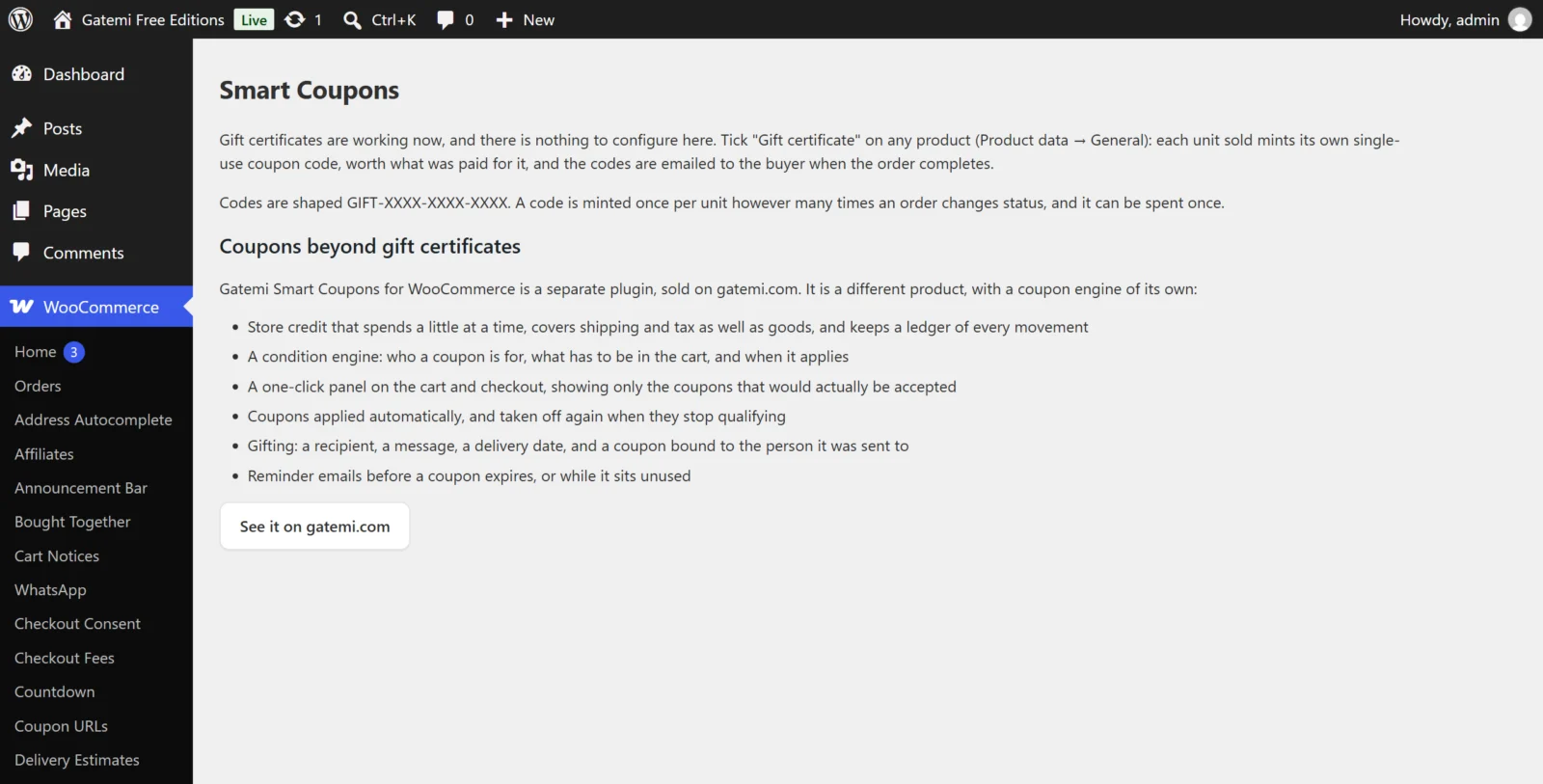
Both editions have a screen at WooCommerce → Smart Coupons (capability manage_woocommerce).
Free edition: one checkbox on the product
The free edition has nothing to save on its screen. Its only control is on the product:
Gift certificate
- Where: Product data → General
- Meta key:
_gmscf_gift_certificate(yeswhen ticked) - Default: off
- Each unit of this product sold mints one single-use coupon worth what was paid for the unit, emailed to the buyer when the order completes.
- On a variable product, tick it on the parent: every variation sells as a certificate worth the price of the variation chosen.
Everything else is fixed:
| Behaviour | Free edition |
|---|---|
| When codes are issued | Order status Completed |
| Code shape | GIFT-XXXX-XXXX-XXXX |
| Coupon type | Fixed cart discount, usage limit 1, no expiry |
| Value | Line subtotal ÷ quantity (sale prices included, before cart coupons, without tax) |
| Who receives it | The order's billing email |
| "Your gift certificate", one code and value per line |
Full edition settings
All settings live in one option, gmsc_settings. The screen has four tabs. Saving a tab writes only the settings that tab shows, so saving Display can never blank the credit settings.
General tab
What you call it
- Singular — key
credit_label, default empty (shown as "Store Credit"). The word every storefront string uses for credit. - Plural — key
credit_label_plural, default empty (shown as "Store Credits").
A shop that sells "Gift Cards" can call them that, and its shoppers never see the words "store credit".
Automation
- Apply automatic coupons — key
auto_apply, default on. Coupons marked Apply automatically go on when they qualify and come off the moment they stop qualifying. - Coupons in links — key
url_coupons, default on. A link can carry a code (?gmsc-coupon=CODE). It is still checked against every rule a typed code is.
Housekeeping
- Debug logging — key
debug, default off. Writes issuing and delivery to WooCommerce → Status → Logs, including codes and recipient addresses, so leave it off unless you are investigating. - Delete everything on uninstall — key
delete_data, default off. Removes the tables, settings and coupon/product meta when the plugin is deleted. Off by default because the credit ledger is a financial record.
License & updates
Enter the GM-… key from your gatemi.com account and press Activate. The card shows the licence status, the renewal date and the sites in use. If gatemi.com cannot be reached during a check, the licence state is left unchanged.
Store credit tab
What credit pays for
- Credit covers — key
credit_scope, defaultorder.- The whole order, including shipping, fees and tax (
order) - The goods only (
items) — a customer with a £50 card can still be asked to pay for postage.
- The whole order, including shipping, fees and tax (
- Apply before tax — key
credit_before_tax, default off. Labelled "Takes credit off the pre-tax total". In version 1.0.0 this switch is saved but not yet read by the discount code, so credit is applied the same way whichever way it is set. - Retire spent cards — key
delete_zero_balance, default off. Moves a credit coupon to the trash once its balance reaches zero. The ledger keeps its history either way.
Generated codes
- Prefix — key
code_prefix, default empty (placeholder "GIFT-"). - Suffix — key
code_suffix, default empty. - Random characters — key
code_length, default10, range 8–32. Values outside the range are clamped on save. Below eight a code is guessable at the scale a store issues them; above 32 nobody can type it off a printed card.
Codes are drawn from a cryptographic random source and leave out characters that are easy to misread (0/O, 1/I).
Selling & delivery tab
When coupons are issued
- Issue on — key
issue_on_statuses, default Processing and Completed. A coupon is created the first time an order reaches one of these, and only once however often the order moves between them. Cancelled, refunded, failed and draft statuses are not offered. Choosing only Completed means a bank-transfer customer waits for their gift card until you mark the order done.
Gifting
- Recipient details — key
receiver_mode, defaultoptional.- Optional — buyers may send it to someone else.
- Required — every purchase must name a recipient.
- Off — coupons always go to the buyer.
- Let buyers choose a delivery date — key
allow_scheduling, default on. Adds Deliver on to the gift form; the coupon is created when the order is paid and emailed on that day. - Only the recipient may use it — key
restrict_to_recipient, default on. Locks an emailed coupon to the address it was sent to, using WooCommerce's own allowed-emails check. Turn it off for codes meant to be shared.
Reminders
- Remind before expiry — key
expiry_reminder_days. The stored default is7days, so expiry reminders are on until you set0. Each coupon is reminded about once. - Remind about unused coupons — key
unused_reminder_days, default0(off). Counted from the day the coupon was issued.
Display tab
Where coupons appear
- Show on — key
placements, default Cart, Checkout and My Account. The panel lists the coupons this shopper can use, with an Apply button on each, and renders nothing when there is nothing to offer. The[gmsc_coupons]shortcode places it anywhere else. - Most coupons to show — key
max_coupons_shown, default12, range 1–100.
How they look
- Design — key
design, defaultflat: Flat, Ticket, Cut-out or Plain. One design is used on the storefront and in the delivery email. - Accent colour — key
accent_color, default#005bd3. - Show the coupon description — key
show_description, default on. Prints the coupon's own description on the card.
Filters
The tab ends with a table of defaults that are filters rather than settings — see the developer reference.
Coupon fields — Full edition
On every coupon, Coupon data gets a Smart Coupons tab. The values are stored as coupon meta, and a value equal to the default is deleted rather than stored:
| Label | Meta key | Default | What it does |
|---|---|---|---|
| Apply automatically | gmsc_auto_apply |
off | Applies itself to every cart it is valid for |
| Show to everyone | gmsc_storewide |
off | Offered in the coupon panel to every shopper |
| Never show in the coupon panel | gmsc_hidden |
off | Works by code or link, but is not advertised |
| Valid for (days after issue) | gmsc_validity_days |
0 | Each issued copy expires this many days after issue; 0 uses the template's own expiry |
| Maximum discount | gmsc_max_discount |
empty | Saved, but not applied to the discount in 1.0.0 |
| Who may use it | gmsc_restrict_recipient |
Follow the plugin setting | Or Only the person it was issued to / Anyone who has the code |
| Conditions | gmsc_conditions |
none | Extra rules, matched with all or any |
| Send an expiry reminder | gmsc_credit_expiry_reminder |
on | Lets the reminder cron email this coupon's holder |
A store credit coupon's tab also shows its Balance and its ledger (When, Movement, Balance, Note). The conditions are described in How it works.
Product fields — Full edition
In Product data → General:
- Coupons to hand out (meta
gmsc_product_coupons) — one or more template coupons. Every unit sold hands out one copy of each, with its own code and its own expiry. - Customer chooses amount — minimum / maximum (meta
gmsc_credit_range) — fill these in to let the shopper type the value. The coupon is worth what they paid, after any discount on the order.