
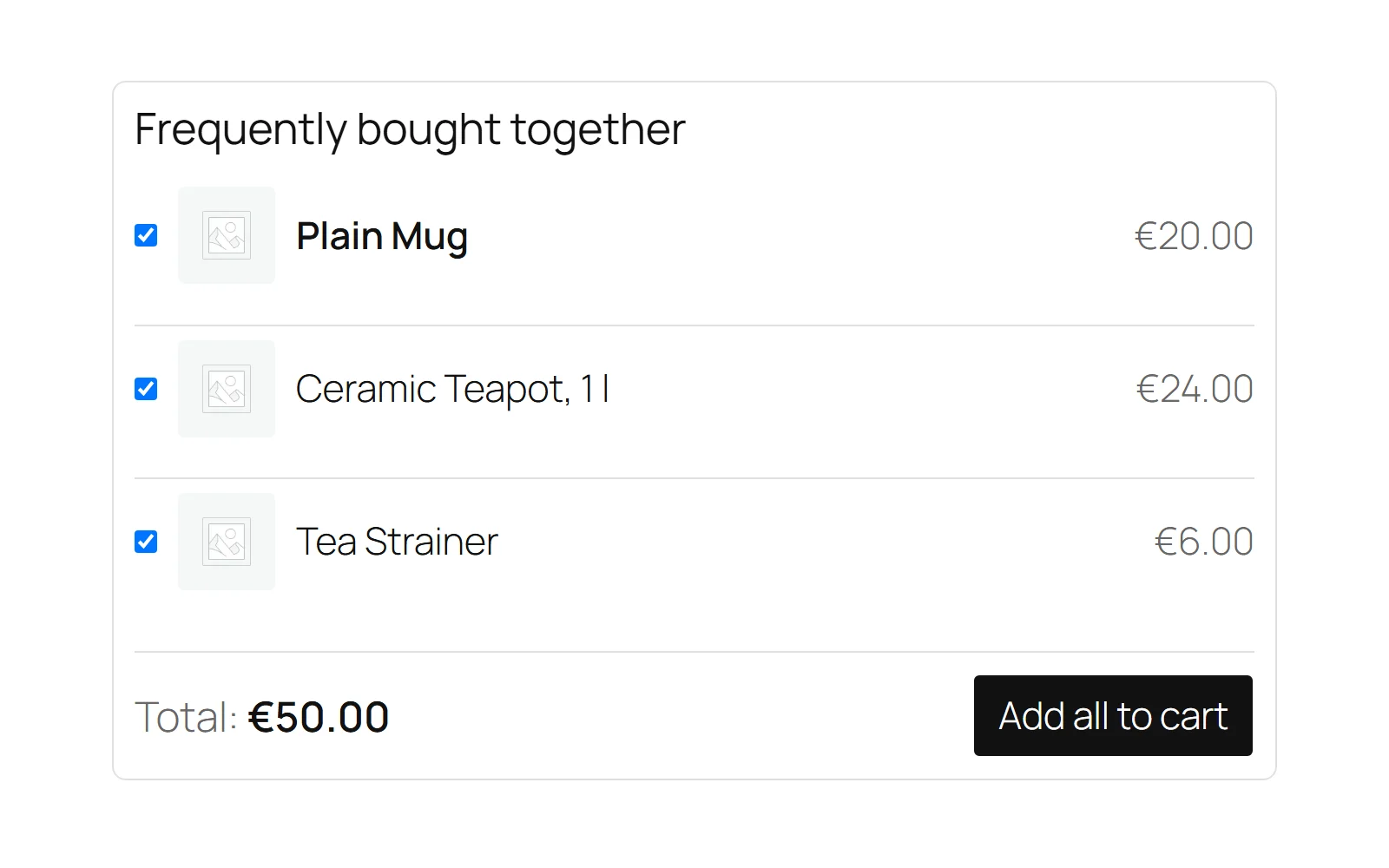
The box is a suggestion with a shortcut: it lists products that go with the one on the page, and one button adds the ticked ones. Three rules decide everything it does.
Rule 1: never offer what the shopper cannot buy
Every companion is checked when the page is built, and again when the button is pressed. A companion is shown only if it:
- still exists,
- is visible in the catalog (not hidden, private or draft),
- is purchasable,
- is in stock, and
- is not a variable, grouped or external product.
Anything that fails is dropped from the box. If nothing is left, there is no box at all — a "Frequently bought together" heading over one product is the shop talking to itself.
The main product is held to the same rule. A product page whose own product is variable, grouped, external, out of stock or not for sale shows no box, because the button adds the main product first and a box that added only the companions would not be the set the shopper was shown.
The free edition shows the first three companions that pass; the full edition up to six.
Rule 2: a variable product is never added blind
A variable product needs a choice (size, colour) that the box does not ask for. So you name variations — "Blue mug, large" — rather than the parent. A parent named as a companion is left out.
Where the box appears
The box prints on WooCommerce's woocommerce_after_single_product_summary hook at priority 15 — on a standard theme, between the product summary and the description tabs. On a variation's page the set of its parent product is used.
Its stylesheet and script are only loaded on pages where a box was actually drawn.
Full edition: the [gatemi_bought_together] shortcode places the box anywhere. Without attributes it uses the current product; with product="123" it shows product 123's box.
Which set a product gets
- If Show the box on product pages is off, no product gets a box.
- If the product has No box on this product ticked, it gets none — and, in the full edition, no category rule can put one back.
- If the product has its own Bought together with list, that is its set.
- Full edition: otherwise the first category rule whose categories include the product's categories (or their parents) supplies the set.
- Otherwise, no box.
What the button does
- Every row starts ticked. Unticking a row updates the total in the browser.
- Pressing the button sends the product id and the ticked ids to the server (the
gmbtf_addendpoint in the free edition,gmbt_addin the full one), protected by a nonce. - The server works the set out again and only adds ids that are still in it — a posted id that is not part of the set is never added. The box is a suggestion, never a way to add any product by its id.
- The main product is always added first, ticked or not, because a set without its subject is not a set. If the cart refuses it (it has just sold out, say), nothing else is added.
- Each one goes in through WooCommerce's own
add_to_cart(), quantity 1, so stock rules, quantity limits and other plugins' validation all apply. - The response says how many were added; the mini-cart is refreshed through WooCommerce's
added_to_cartevent.
Each line added from the box is marked in the cart with Bought together: Part of a set, and the order line keeps _gmbt_set (the id of the product whose box it came from).
Full edition: the set discount
Rule 3: the discount comes off again the moment the set is broken
The discount is earned only while the main product and every companion added from the box are in the cart. Remove one, and the remaining lines go back to their own price — on that recalculation and every one after. Taking the set, taking the discount, then removing two of the products is the first thing anybody tries; it is how a store gives money away without noticing.
How the price is worked out
- Prices are set on
woocommerce_before_calculate_totals(priority 20), which the classic cart, the mini-cart, the Cart block and the Store API all read. - Each line stores the price it came in at (
gmbt_basein the cart item). Every recalculation starts from that stored price, so repeated AJAX cart updates cannot push it lower and lower. - Percentage: every line in the set is reduced by the percentage. 100 or more makes the set free.
- Fixed amount: the amount is spread across the set in proportion to what each line is worth. Example: a set of a €60 kettle and a €40 tea caddy with "€10 off the whole set" is worth €100, so each line is 10% cheaper — €54 and €36. Sharing it in proportion keeps a refund of one line honest.
- The box shows the discounted total and the saving before anything is added.
- On the order, each discounted line records
_gmbt_discount— how much was taken off that line's unit price.
Category rules carry their own discount, applied the same way.
Nothing is stored except your sets
There are no database tables. Sets are product meta, the store-wide wording and the rules are two options, and cart and order lines carry a note of which set they came from.